
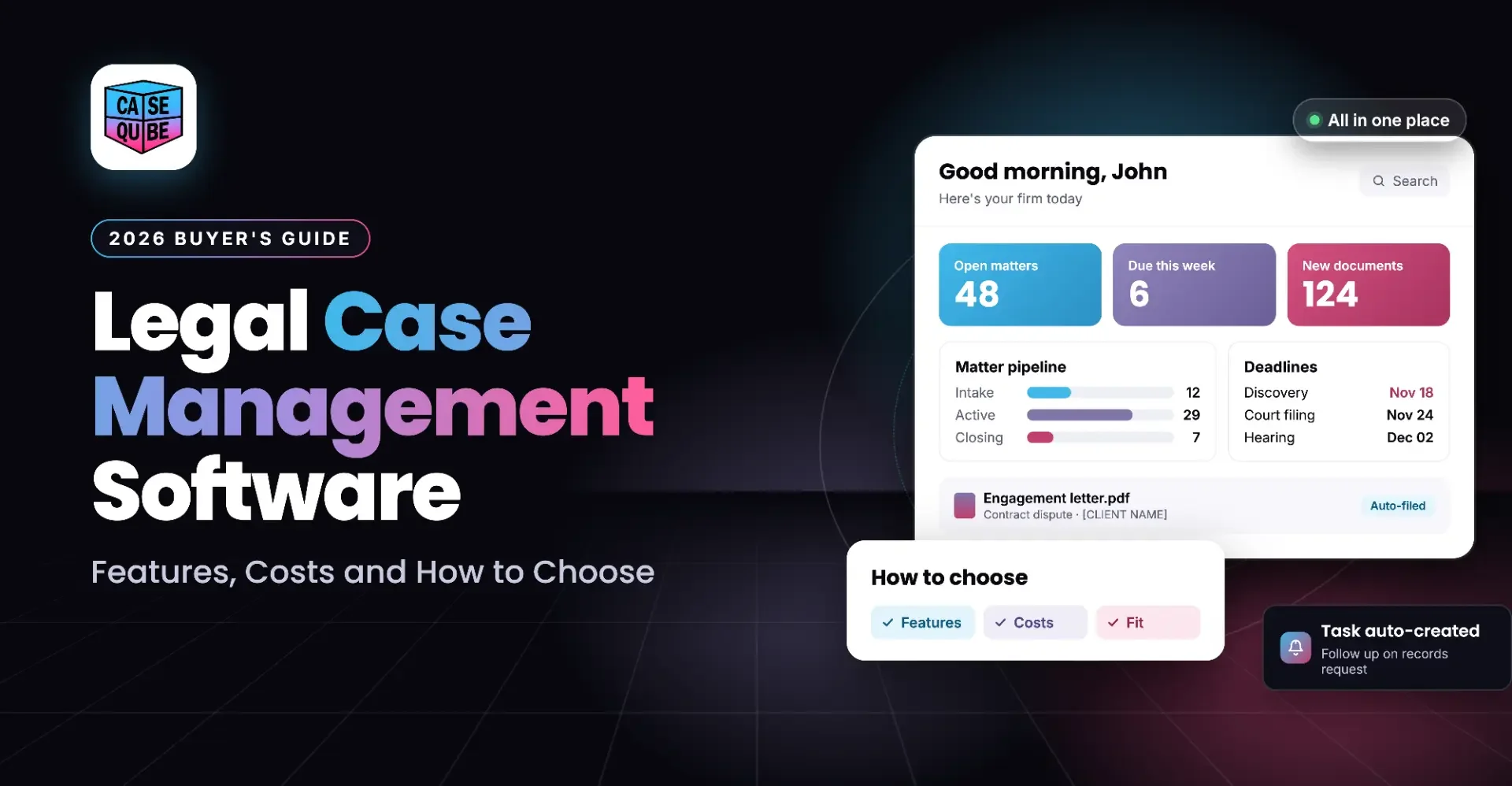
Legal Case Management Software: Features, Costs and How to Choose (2026)
What legal case management software does, what it costs in 2026, the hidden fees to ask about, and a step-by-step way to choose the right system for your firm.
On this page
- What Is Legal Case Management Software?
- Key Features of Legal Case Management Software
- How Much Does Legal Case Management Software Cost?
- Cloud-Based vs. On-Premise Case Management Software
- How to Choose Legal Case Management Software: Step by Step
- Software Evaluation Checklist
- Questions to Ask During a Case Management Software Demo
- Features That Matter by Practice Area
- How CaseQube Handles Case Management
- Frequently Asked Questions
Most firms start looking for case management software after something goes wrong. A deadline gets missed. A paralegal spends an hour looking for a signed retainer. A settlement statement gets built by hand in a spreadsheet and the numbers don't match.
The software fixes these problems, but only if you pick the right one. This guide covers what legal case management software does, which features matter, what it costs in 2026, the costs vendors don't put on their pricing pages, and a step-by-step way to choose.
What Is Legal Case Management Software?
Legal case management software is a system law firms use to run every case from one place. It tracks client intake, deadlines, tasks, documents, time, billing and client communication, all tied to the case they belong to.
Without it, that information sits in email inboxes, shared drives, paper calendars and spreadsheets. Someone has to remember where everything is. With it, anyone on the case can open the file and see where things stand.
You'll also see the term "legal practice management software." The two overlap a lot. Case management focuses on the work inside each case, while practice management usually adds the business side like billing, accounting and firm reporting. Most modern systems do both. If you want the full breakdown, read our guide on case management vs. matter management.
Do Most Law Firms Use Case Management Software?
Yes, and most of it now runs in the cloud. According to the ABA's 2024 Legal Technology Survey Report, about 75% of attorneys now use cloud computing for work, up from 69% in 2023. Confidentiality and security were the top concerns, cited by about 55% of respondents, which matters when you start asking vendors security questions.
Key Features of Legal Case Management Software
Every vendor lists dozens of features. These are the ones that affect daily work.
Client Intake and Conflict Checks
Intake is where a case starts, and where many firms lose leads. Good intake tools capture leads from your website, phone, email and walk-ins in one queue, run a conflict check, and turn the lead into a case without retyping the client's details. Conflict checks should run before you take the case, not after. Our conflict check guide explains what a proper check should search for. For more on intake, see our client intake best practices.
Calendaring, Deadlines and Task Management
Missed deadlines are one of the most common reasons for malpractice claims. Look for software that creates tasks and deadlines automatically based on the case type and stage, sends reminders, and puts court dates on a shared calendar. The goal is that nothing depends on one person remembering.
Document Management
Each case should have its own organized set of folders, with search, tags and version history. Ask whether the system can read scanned files (OCR) so you can search them, and whether you can share documents with clients and co-counsel without sending email attachments.
Document Generation
Templates that pull in the client name, case number, dates and other details save hours on retainers, letters and agreements. They also cut down on copy-paste errors.
Time Tracking, Billing and Payments
Even contingency firms need to track time and case costs. Look for timers and manual entry, expense logging with receipts, and billing that matches how you charge: hourly, flat fee, contingency or LEDES for insurance work. Online payments by card or ACH help you get paid faster.
Trust Accounting
If you hold client funds, your software needs to handle trust ledgers correctly or connect to accounting software that does. Mistakes here are an ethics issue, not just a bookkeeping one.
Reporting and Dashboards
Partners need to see open cases by stage, staff workload, unbilled time and case costs without asking someone to build a report. Our post on law firm KPIs lists the numbers worth tracking.
Client Portal
A secure portal lets clients upload documents and check status without calling the office. Fewer "any update on my case?" calls means more time for actual work.
Security and Access Controls
Look for encryption in transit and at rest, permissions by role, an audit log of who did what, and a recognized certification like SOC 2 Type II. These aren't extras. Your duty to protect client information applies to the tools you choose.
AI Features
AI is now built into many systems. Useful examples include sorting incoming documents, flagging time that was never recorded, and answering intake questions on your website. Ask exactly what the AI does, whether it costs extra, and where your client data goes when the AI processes it.
How Much Does Legal Case Management Software Cost?
Most legal case management software is sold as a monthly or annual subscription, priced per user. According to Capterra's 2026 pricing data, entry plans for 1 to 4 users run about $29 to $356 per month, premium plans for 5 to 9 users run about $245 to $891 per month, and enterprise plans start around $690 to $1,490 or more per month. Annual billing usually comes with a discount.
Common Pricing Models
- Per user, per month: the most common model. Your bill grows as you hire.
- Tiered plans: basic, mid and top tiers, with features like reporting, AI or automation locked to higher tiers.
- Custom or quote-based pricing: common for larger firms and specialized practices. You'll need a demo to get a number.
- On-premise licenses: a large upfront fee plus yearly maintenance, and you pay for servers and IT support yourself.
Hidden Costs to Ask About
The monthly price is rarely the full cost. Before you sign, ask each vendor in writing about:
- Setup and implementation fees for configuring the system to your workflows
- Data migration from your current system, and whether it's included or billed separately
- Training for your staff, including new hires later on
- Premium support if standard support hours don't cover your office hours
- Add-ons like payments, e-signature, AI or extra storage
- Payment processing fees on card and ACH payments
- Price increases at renewal, and whether your rate is locked
- Exit costs, including whether you can export all your data in a usable format if you leave
Example Budget for a Small Firm
Here's a simple way to estimate your real yearly cost. Say you have 8 users on a plan that costs $75 per user per month:
- Subscription: 8 × $75 × 12 = $7,200 per year
- Add any one-time setup, migration and training fees
- Add monthly add-ons and payment processing fees
- Add time your staff spends in training instead of billing
This is an example, not a quote. The point is to compare vendors on the total first-year cost, not the monthly sticker price.
Cloud-Based vs. On-Premise Case Management Software
Cloud-based software runs on the vendor's servers. You log in through a browser or app, updates happen automatically, and you can work from anywhere. You pay a subscription.
On-premise software runs on servers in your office. You control the hardware, but you also pay for it, maintain it, back it up and secure it. Remote access usually needs extra setup.
For most small and mid-size firms, cloud is the practical choice. It costs less upfront and doesn't require in-house IT. On-premise mostly makes sense when a firm has strict internal rules about where data is stored and the IT staff to manage it.
How to Choose Legal Case Management Software: Step by Step
Step 1: Map How Your Firm Works Today
Write down how a case moves through your office, from first call to closing. Note where things get stuck, where information gets retyped and where deadlines slip. This list is what the software needs to fix.
Step 2: Separate Must-Haves From Nice-to-Haves
A personal injury firm might list lien tracking and settlement statements as must-haves. An insurance defense firm might list LEDES billing. Keep the must-have list short so it actually filters vendors out.
Step 3: Check Fit for Your Practice Area
General software often needs heavy setup to work for a specific practice. Software built for your practice area should already have the right case stages, task templates and fields.
Step 4: Shortlist Three to Five Vendors
Fewer than three and you can't compare properly. More than five and demos become a blur.
Step 5: Run Demos Using Your Own Cases
Don't let the vendor run a scripted demo. Bring one real case and ask them to walk it from intake to closing. Have the people who will use the software every day, paralegals and intake staff, sit in.
Step 6: Compare Total Cost, Not Monthly Price
Use the hidden cost list above. Get every vendor's first-year cost in writing.
Step 7: Check Support, Migration and Training
Ask who moves your data, how long it takes and who trains your staff. Ask what support hours are and how fast they respond.
Step 8: Review Security and Contract Terms
Confirm encryption, access controls, audit logs and certifications. Read the contract for data ownership, renewal terms and how you get your data out if you leave.
Software Evaluation Checklist
Score each vendor from 1 to 5 on each line during your demos.
| What to check | Vendor A | Vendor B | Vendor C |
|---|---|---|---|
| Fits our practice area without heavy setup | |||
| Intake and conflict checks in one place | |||
| Automatic tasks and deadlines by case type | |||
| Document management with search and versions | |||
| Billing that matches how we charge | |||
| Trust accounting built in or connected | |||
| Reporting partners can use without help | |||
| Client portal | |||
| Security: encryption, permissions, audit log, SOC 2 | |||
| Data migration included | |||
| Staff training included | |||
| Support hours match our office hours | |||
| Total first-year cost |
Questions to Ask During a Case Management Software Demo
- Can you walk one of our real cases from intake to closing?
- What does implementation include, and how long will it take for a firm our size?
- Who moves our data, and what data can you bring over?
- What training is included, and what does it cost to train new hires later?
- What are your support hours, and how do we reach someone?
- Which features cost extra?
- How do you protect client data, and what certifications do you hold?
- Can we set permissions by role so staff only see what they need?
- How does billing work for contingency, hourly and flat-fee cases?
- If we leave, how do we export our data, and in what format?
Features That Matter by Practice Area
Personal injury: medical records requests, lien tracking, settlement calculations and settlement statements. Settlement distribution is where spreadsheets cause the most errors. See how personal injury settlements are distributed.
Mass tort: handling hundreds or thousands of plaintiffs at once, bulk updates, and tracking case criteria across a large inventory.
Insurance defense: LEDES billing with UTBMS codes, carrier billing guidelines and pre-bill review.
Workers' compensation: tracking claims, hearings and medical treatment across long case timelines.
Family law and immigration: document-heavy intake, client communication and deadline tracking for filings.
How CaseQube Handles Case Management
CaseQube is legal case management software built on Salesforce for personal injury, mass tort, insurance defense, workers' compensation, family law and immigration firms. Here's what it covers:
- Intake: leads from phone calls, web forms, emails, texts, walk-ins and an AI chatbot land in one pipeline. You can run a conflict check and turn the lead into a matter in one click.
- Matter management: tasks and deadlines are created automatically from the case type and stage, with court dates and reminders on the matter calendar.
- Documents: every matter gets ready-made folders, version history and AI that reads, classifies, tags and files incoming documents.
- Document generation: letters and agreements are created from templates that fill in client and case details.
- Settlements: for PI firms, CaseQube tracks liens, calculates fees and splits, and produces settlement statements.
- Time, billing and payments: timers, manual entry or AI prompts for time; hourly, flat fee, contingency or LEDES billing with pre-bill review; online payments by card or ACH.
- Accounting: connects to LawAccounting for trust ledgers and three-way reconciliation.
- Security: SOC 2 Type II certified, with data encrypted in transit and at rest and access set at the profile, role and field level. Every action is logged.
- Implementation: the CaseQube team moves your data from your current system and trains your staff before go-live.
Bring a real case and see how CaseQube handles it.
Schedule a demoFrequently Asked Questions
What is legal case management software?
Legal case management software is a system law firms use to manage cases from one place. It tracks client intake, deadlines, tasks, documents, time, billing and client communication, so everyone on the case can see its current status without searching through email or shared drives.
How much does legal case management software cost per month?
Most systems charge per user per month. According to Capterra's 2026 pricing data, entry plans for 1 to 4 users run about $29 to $356 per month, and plans for 5 to 9 users run about $245 to $891 per month. Setup, migration and add-ons can cost extra.
What features should legal case management software have?
At minimum: client intake with conflict checks, automatic tasks and deadlines, document management, time tracking and billing, trust accounting or an accounting connection, reporting, a client portal, and security features like encryption, role-based permissions and audit logs.
What is the difference between case management and practice management software?
Case management software focuses on the work inside each case, like deadlines, tasks and documents. Practice management software adds the business side, like billing, accounting and firm-wide reporting. Most modern systems now include both.
Is cloud-based case management software safe for client data?
It can be, if the vendor has the right protections. Look for encryption in transit and at rest, role-based access, audit logs and a SOC 2 Type II report. Cloud vendors often have stronger security than a small firm can run on its own servers.
Are there hidden costs in legal case management software?
Often, yes. Common extras include setup fees, data migration, training, premium support, add-on features, payment processing fees and price increases at renewal. Ask every vendor for a written first-year cost that includes all of these.
How long does it take to switch to new case management software?
It depends on how much data you have, how clean it is and how much the system needs to be set up for your workflows. Ask each vendor for a written timeline covering setup, data migration, testing and staff training before go-live.
Can I move my existing case data into a new system?
Usually, yes. Most vendors can import clients, cases, contacts and documents from your current system. Ask exactly what data they can move, who does the work, whether it's included in the price, and how they check the data after the move.
What questions should I ask during a software demo?
Ask the vendor to walk one of your real cases from intake to closing. Then ask about implementation time, data migration, training, support hours, which features cost extra, security certifications and how you export your data if you leave.
Does a small law firm need case management software?
Most do. Small firms have fewer people to catch missed deadlines, lost documents and unbilled time. Case management software gives a small team one place to track every case, and cloud-based plans keep the upfront cost low.
Related posts
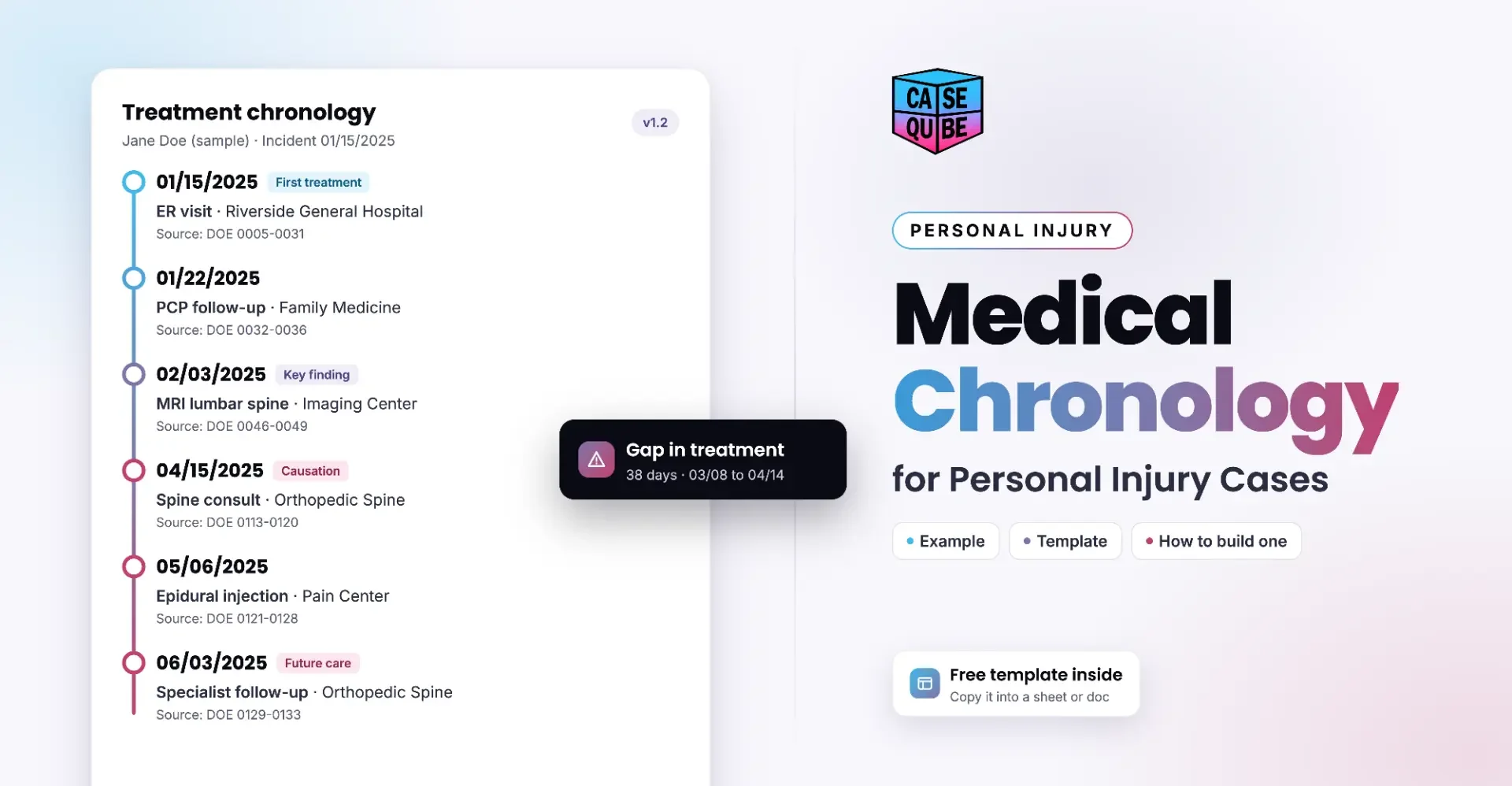
Medical Chronology for Personal Injury Cases: Example, Template and How to Build One
Learn how to build a medical chronology for a personal injury case, with a free template, a filled-in example, and tips for handling gaps and prior injuries.
 Ramit KaurNovember 3, 2026 · 16 min read

Best Workers' Compensation Case Management Software for 2026
What the best workers' compensation case management software should do in 2026: claim stages, medical records, hearings, liens and settlements.
Ramit KaurOctober 27, 2026 · 12 min read
Best Mass Tort Case Management Software for 2026
Learn what mass tort case management software should do in 2026, including claimant intake, MDL deadlines, records, client updates and settlement allocation.
Ramit KaurOctober 27, 2026