
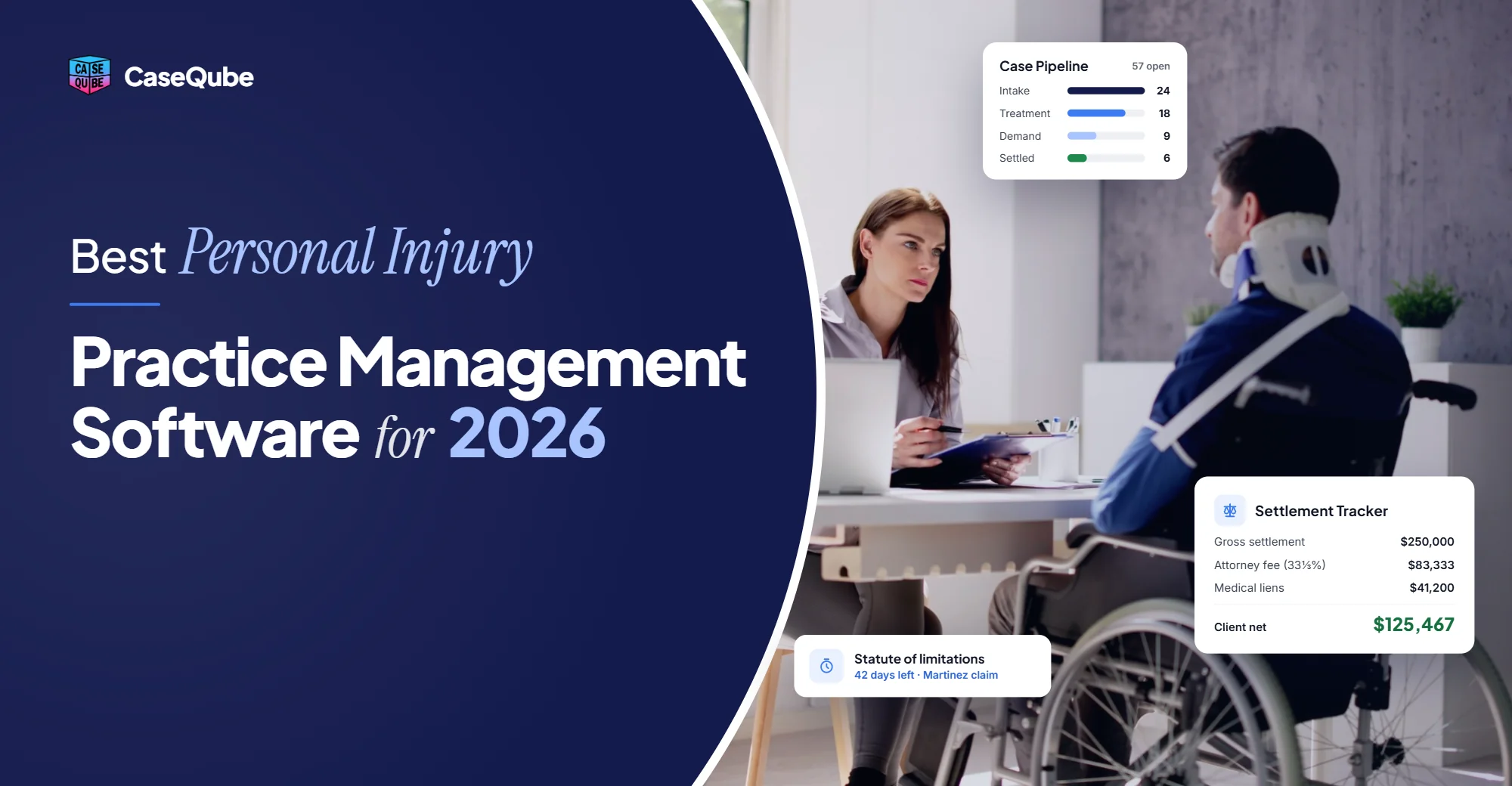
Best Personal Injury Practice Management Software for 2026
On this page
A personal injury case moves through a lot of hands before it pays out. Someone takes the first call and checks for conflicts. Someone else collects records and bills from every provider. Deadlines have to be watched, liens negotiated, and a settlement split between the client, the lienholders, and the firm. Then the money has to move through trust correctly.
Most PI firms handle this with a mix of a case management tool, a separate billing system, accounting software, and a lot of spreadsheets. Every handoff between those systems is a chance for something to slip.
That's why we built CaseQube. It's a practice management platform for personal injury firms that keeps intake, case work, documents, billing, settlements, and trust accounting in one system. This guide covers what the best personal injury practice management software should do in 2026, and how CaseQube does each part.
What Is Personal Injury Practice Management Software?
Personal injury practice management software runs a PI firm's cases and business in one place. It covers case management, like contacts, documents, deadlines, and tasks. It also covers the business side of the firm, like billing, payments, trust accounting, and reporting.
What makes it different from general legal software is that it's built around how PI cases actually work: liens, settlement statements, fee splits, and disbursements from trust. If you want to know more about the difference, we explain it in our guide to case management vs. matter management.
What the Best Personal Injury Case Management Software Should Do
Here's what to look for, and how CaseQube handles each one.
Smart Intake With Conflict Checks
Intake is where a PI case starts, and where a lot of leads get lost. CaseQube's Smart Intake uses online intake forms to capture the client's details and runs a conflict check in real time, before you sign anyone. Once the client is signed, the intake becomes a matter, so nobody types the same information twice.
For more on this step, see our guide on how to run a conflict check at your law firm.
Matter Management With Automatic Deadlines
Missing a deadline on a PI case can end the case. In CaseQube, each matter moves through stages you define. When a matter reaches a new stage, CaseQube sets the deadlines, checklists, and document templates for that stage on its own. Tasks and reminders are created from events and dates, so your team sees what's due without building a to-do list by hand.
Document Management for Medical Records and Case Files
PI cases build up hundreds of documents, from medical records and bills to photos, police reports, and letters from insurers. CaseQube stores them all in the matter, uses AI to tag each document so you can find it fast, and lets you control who can see what. That last part matters when files contain health information.
Document Generation From Case Data
Retainer agreements, letters, and other case documents can be created from templates. CaseQube fills each template with data already in the matter, like the client's name, accident date, and insurance details, so your team isn't copying and pasting from one screen to another.
Lien Tracking and Settlement Workflows
This is where most PI software falls short, and where CaseQube puts the most work. CaseQube's PI Settlement Workflows cover the full path from lien to final payout:
- Lien management: track medical liens, reductions, and reimbursements on each matter.
- Attorney fee splits: calculate firm and attorney shares automatically.
- Settlement statements: create settlement statements and memos from matter data, on demand.
- Approval steps: set who has to approve a settlement before money goes out.
- Disbursement tracking: record payouts to each party.
To see how this works step by step, read our guide on how personal injury settlements are distributed.
Trust Accounting That Stays in Sync
In many firms, the settlement is calculated in one system and recorded in another. That's where trust errors happen. CaseQube includes a full legal accounting suite, and disbursements from a PI settlement sync straight into trust accounting. Your case records and your trust records match, because they come from the same place.
Time, Expenses, Billing, and Payments
PI firms work mostly on contingency, but case costs still need to be tracked so they come back out of the settlement. CaseQube records time and expenses on each matter and uses AI to flag entries that look like they're missing. For hourly or mixed work, invoices can be set up per client or per matter. Clients can pay online through a link, and the payment syncs with accounting automatically.
Dashboards and Reporting
CaseQube's dashboards show your cases, finances, and team workload in real time. You can spot cases that are stalling, delays in the pipeline, and billing that hasn't gone out yet.
Security for Sensitive Client Data
PI files hold medical records and personal details, so security can't be an afterthought. CaseQube is built on Salesforce and is SOC 2 Type II certified. Access controls let you decide which staff can open which files.
Why PI Firms Choose CaseQube
One system instead of four.
Intake, cases, documents, billing, payments, and accounting all live in CaseQube. You don't need to connect a case tool to a separate accounting tool and hope they match.
Built around settlements.
Liens, fee splits, settlement statements, and trust disbursements are core features, not add-ons.
Use only what you need.
CaseQube is modular. You can start with the parts your firm needs most and add more later, without changing how your team already works.
Built on Salesforce.
Your firm gets Salesforce's security and the room to grow as your caseload grows.
More than PI.
If your firm also handles workers' compensation, mass torts, or other practice areas, CaseQube supports those too.
How to Choose Personal Injury Software for Your Firm
Start with the work that slows your team down most. That might be chasing documents, tracking deadlines, or getting settlement numbers right. Then, in every demo, ask the vendor to show you one real PI case from the first call to the final disbursement. Ask how liens are tracked, how fee splits are calculated, and how the settlement shows up in trust. Finally, ask how your existing data will be moved over and how long the switch will take.
Frequently Asked Questions
What is personal injury practice management software?
It's software that runs a PI firm's cases and business in one system. It covers intake, documents, deadlines, liens, settlements, billing, payments, and trust accounting, so your team isn't working across spreadsheets and separate tools.
What software do personal injury lawyers use?
Most PI lawyers use case management software along with separate tools for billing and accounting. More firms are now moving to a single platform like CaseQube that handles case work, settlements, and trust accounting together.
What is the best personal injury case management software in 2026?
The best PI case management software handles the whole case, from intake to final disbursement. It should track liens, calculate fee splits, create settlement statements, and sync payouts with trust accounting. CaseQube is built to do all of this in one system.
How much does personal injury case management software cost?
Most PI software charges per user per month, and the price depends on the features and number of users you need. CaseQube is modular, so you pay for the parts your firm uses. Book a demo for pricing for your firm.
What is the difference between case management and practice management software?
Case management software tracks the work on each case, like documents, deadlines, and tasks. Practice management software also runs the business side, like billing, payments, trust accounting, and reporting. CaseQube does both.
What features should personal injury case management software have?
Look for intake with conflict checks, automatic deadlines, document management, document templates, lien tracking, fee splits, settlement statements, trust accounting, online payments, and reporting. It should also keep sensitive client data secure.
Is CaseQube secure enough for medical records?
CaseQube is built on Salesforce and is SOC 2 Type II certified. You can control which staff can see which documents, so medical records and personal details stay with the people who need them.
Can CaseQube track liens and settlements?
Yes. CaseQube tracks medical liens, reductions, and reimbursements, calculates attorney fee splits, creates settlement statements, and records each disbursement. Payouts sync with trust accounting automatically.
How long does it take to switch to new case management software?
It depends on how much data your firm has and how it's stored. Smaller firms usually switch faster than firms with years of case history. Because CaseQube is modular, you can also start with a few modules and add more over time.
Can CaseQube handle practice areas other than personal injury?
Yes. Along with personal injury, CaseQube supports firms that handle workers' compensation, mass torts, insurance defense, family law, immigration, bankruptcy, and criminal defense.
Final Thoughts
The best personal injury practice management software doesn't just store your cases. It carries each case from the first call to the final check, without making your team re-enter data or check numbers across systems. That's what CaseQube is built to do, with intake, deadlines, documents, liens, settlements, and trust accounting all working together.
If you'd like to see how it handles a real PI case, schedule a demo with CaseQube.
Schedule a demoReady to simplify your case management?
See how CaseQube keeps every matter, document, and deadline in one place.
Book a DemoRelated posts
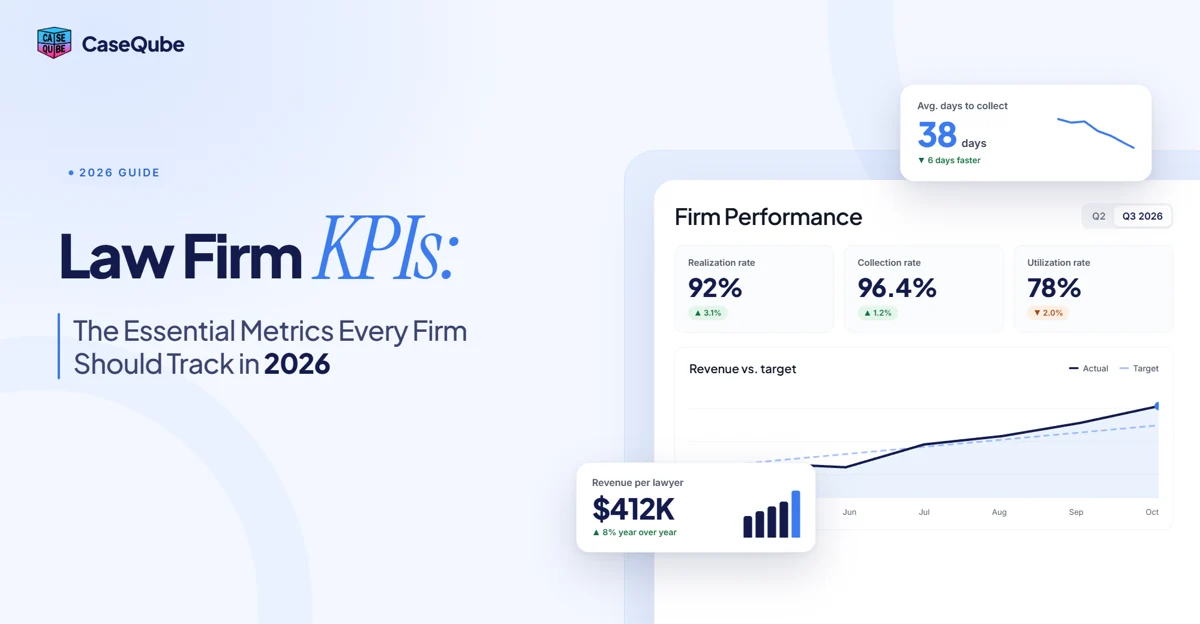
Law Firm KPIs: The Essential Metrics Every Firm Should Track in 2026
The law firm KPIs that matter in 2026, with formulas and examples. Utilization, realization, collection rate, profit margin, case cycle time, and KPIs for contingency firms.
 Ramit KaurOctober 21, 2026 · 9 min read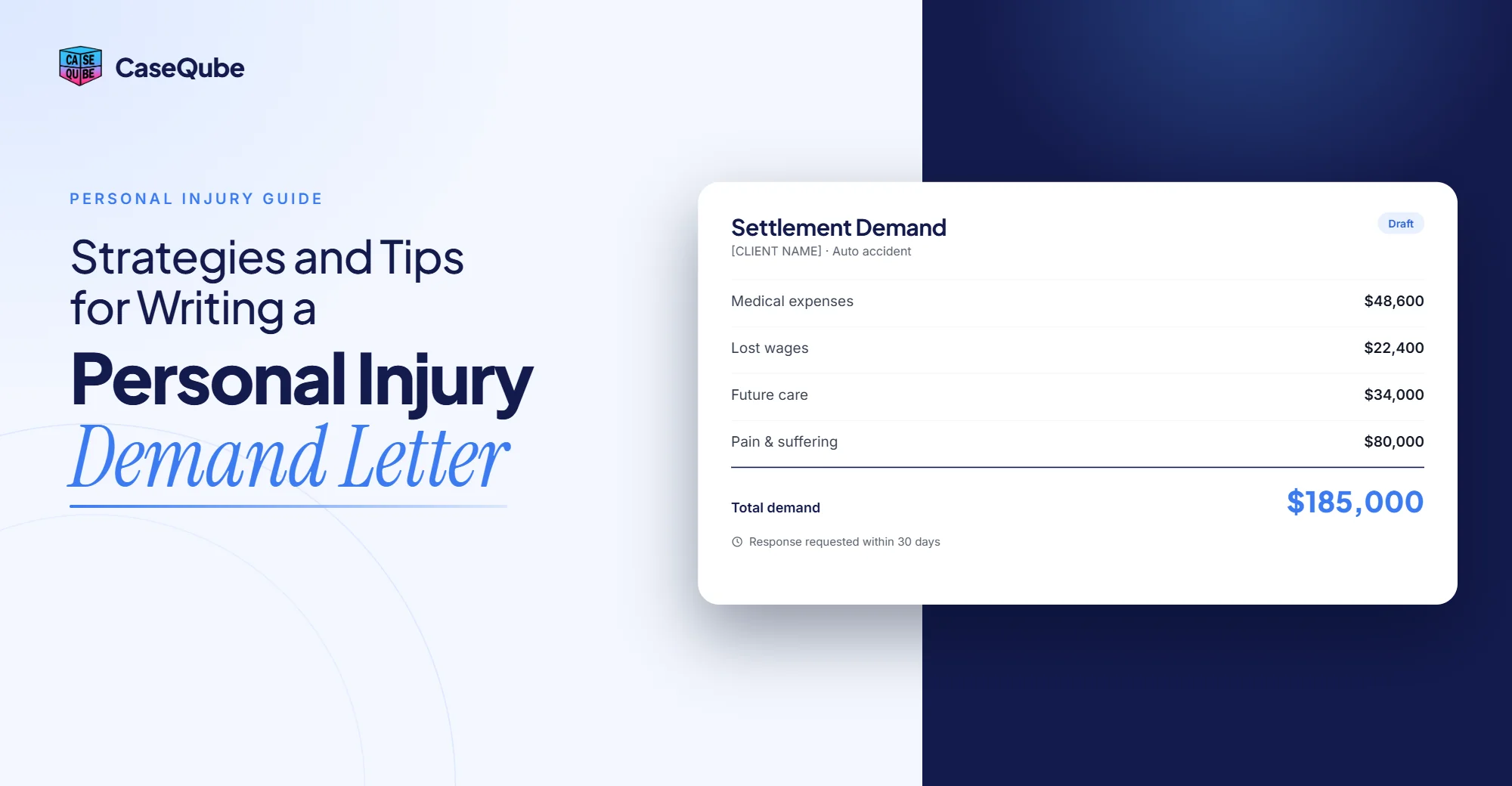
Personal Injury Demand Letter: Strategies and Tips for Writing One That Gets Results
Ramit KaurOctober 21, 2026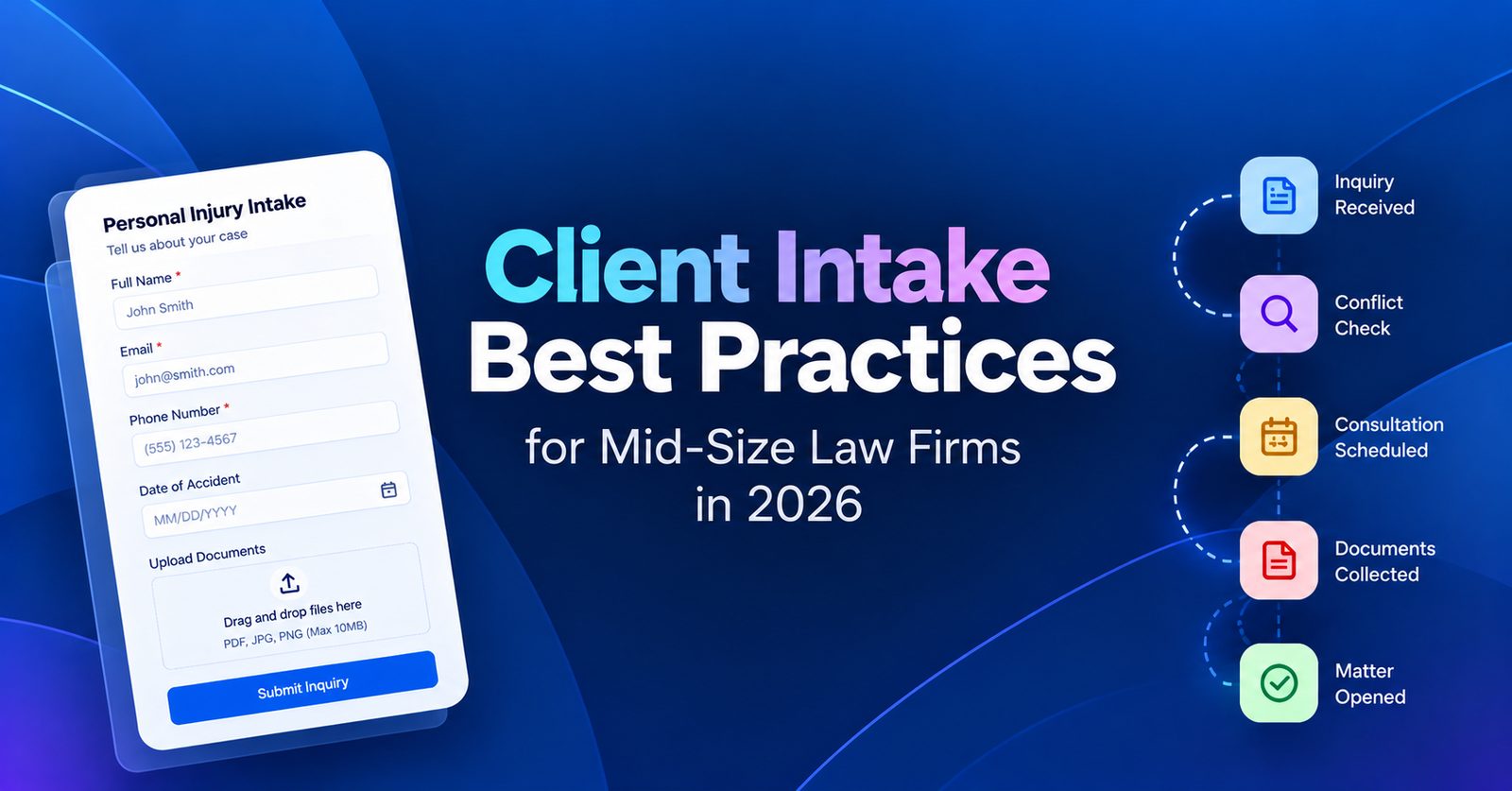
Client Intake Best Practices for Mid-Size Law Firms in 2026
Mid-size firms rarely lose leads from lack of effort. They lose them to too many front doors and no single owner. Here is what to measure and what to change.
Ramit KaurOctober 13, 2026 · 7 min read