
Best Mass Tort Case Management Software for 2026
Learn what mass tort case management software should do in 2026, including claimant intake, MDL deadlines, records, client updates and settlement allocation.

On this page
- What Is Mass Tort Case Management Software?
- Why Mass Tort Cases Are Hard to Manage
- Signs Your Firm Has Outgrown Spreadsheets
- What to Look for in Mass Tort Case Management Software
- Common Mistakes When Choosing Mass Tort Software
- Questions to Ask Before You Buy
- How CaseQube Handles Mass Tort Campaigns
- Frequently Asked Questions
The best mass tort case management software for 2026 lets your firm do six things for every claimant: screen and sign them in bulk, collect and track their records, meet deadlines that come from court orders, keep them updated without a phone call, allocate settlement money fairly, and report on the whole campaign at once. If a system can't do these for thousands of people at a time, it isn't built for mass torts.
This guide explains what makes mass tort work different, what to look for at each stage of a case, the mistakes firms make when they choose software, and how CaseQube handles mass tort campaigns.
What Is Mass Tort Case Management Software?
Mass tort case management software is a system built for law firms that represent large numbers of people with similar injury claims against the same defendant. Each plaintiff keeps an individual claim, with their own medical history, damages and settlement value. But the claims share facts, deadlines and often a single court.
A mass tort isn't one lawsuit. It's a group of separate lawsuits that raise the same issues against the same defendants. In federal court, these cases are often consolidated in multidistrict litigation (MDL). The Judicial Panel on Multidistrict Litigation decides when cases are combined and which judge hears them.
This is why regular case management falls short. A personal injury firm might manage 200 open files, each moving at its own pace. A mass tort firm might manage 3,000 files that all move together when the court issues an order. The software has to treat each claimant as a separate record and also let you act on the whole group at once.
If your firm handles mostly single-plaintiff injury cases, our guide to the best personal injury practice management software is a better place to start.
Why Mass Tort Cases Are Hard to Manage
Most mass tort problems come from volume. Tasks that are easy for one client become a full-time job when you multiply them by a few thousand.
Thousands of Plaintiffs With Individual Facts
Every claimant used the product at different times, for different lengths of time, and developed different injuries. Their files can't be merged into one. Staff need to see each person's details and still sort and filter the whole group.
Qualifying Claimants Takes Time
Many people who call about a mass tort won't qualify. A firm has to confirm that the person used the product, that the use falls within the right dates, that they have a qualifying diagnosis, and that the claim is still within the statute of limitations. Doing this by hand for every lead slows intake and lets weak claims slip through.
Medical Records at Scale
Every claim depends on proof of use and proof of injury. That means pharmacy records, medical records and billing records for each claimant, often from several providers. Requests go out by the hundreds and come back at different times, and someone has to track what's missing.
Court Orders Change the Deadlines
In an MDL, case management orders set deadlines for plaintiff fact sheets, records production and other filings. When the court changes a deadline, it changes for everyone in the docket. Missing one can get a claimant's case dismissed.
Clients Want Updates
Mass tort clients often wait years for a result. They call to ask about status, and every call takes staff time. Silence leads to frustrated clients and, sometimes, clients who leave.
Settlement Allocation Is Complex
When a global settlement comes, the money has to be divided among claimants based on injury severity, treatment and other factors. Then fees, case costs and liens come out of each claimant's share. Doing this in spreadsheets for thousands of people invites errors.
Signs Your Firm Has Outgrown Spreadsheets
Many firms start a mass tort campaign with spreadsheets and email. That works until it doesn't. These are common signs you've hit the limit:
- Two people are updating different versions of the same claimant list.
- You can't tell, without asking someone, how many claimants still have missing records.
- A court order changes a deadline and staff spend days updating files one by one.
- Staff spend a large part of the day answering status calls.
- No one can say how many signed claimants actually qualify.
- Settlement numbers are worked out in a spreadsheet that only one person understands.
If several of these sound familiar, it's time for dedicated mass tort software.
What to Look for in Mass Tort Case Management Software
The easiest way to judge mass tort law firm software is to follow a claim through its life, from the first call to the final payout. At each stage, ask whether the system can handle the work for one claimant and for thousands at once.
Mass Tort Intake and Claimant Qualification
Intake is where most campaigns win or lose. Look for:
- Intake forms built around your qualifying criteria, with questions that change based on earlier answers
- Bulk intake, so you can bring in large batches of leads at once
- Conflict checks that run as part of intake (see our guide on how to run a conflict check)
- Clear status labels such as "qualified," "pending records" and "declined"
- Duplicate checks, so the same person isn't signed twice
Example qualification checklist for a product liability campaign
| Criteria | Claimant A | Claimant B |
|---|---|---|
| Used the product | Yes, 2017 to 2021 | Yes, 2023 |
| Use within the qualifying dates | Yes | No |
| Qualifying diagnosis | Yes, diagnosed 2022 | No diagnosis |
| Within statute of limitations | Yes | Not applicable |
| Proof of use on file | Pharmacy records received | Not requested |
| Status | Qualified, move to records | Declined, send letter |
These criteria are illustrative. Your actual criteria will come from the specific litigation and your firm's review.
For more on intake, see our client intake best practices for mid-size law firms.
Claimant Management and Plaintiff Tracking
Once claimants are signed, you need one place to see all of them. Good claimant management means:
- One record per claimant, with custom fields for product use, exposure dates, injury type and treatment
- Filters and saved views, such as "all qualified claimants missing pharmacy records"
- Bulk updates, so a status change can apply to a whole group in one step
- A full history of who changed what and when
Medical Record Retrieval and Mass Tort Document Management
Records are the evidence in a mass tort. Your system should:
- Store every document on the claimant's record, not in a shared drive
- Tag documents by type, such as pharmacy record, medical record or billing record
- Show which claimants are missing which records
- Set reminders to follow up when a request has been open too long
- Control who can see sensitive medical files
MDL Case Management and Deadline Tracking
In an MDL, deadlines usually come from case management orders and apply to large groups of claimants at once. Look for:
- Deadlines tied to case stages, so tasks are created automatically when a claimant moves forward
- Calendar views that show what's due across the whole docket
- Checklists for repeatable work, like completing plaintiff fact sheets
- Document templates that pull in claimant data, so you aren't typing the same forms hundreds of times
Client Portal and Bulk Client Communication
Mass tort clients need regular updates, and your staff can't call each one. Look for:
- A client portal where claimants can upload documents
- Bulk updates you can send to a whole group when something happens, like a bellwether trial result or a settlement announcement
- A record of every message sent to each claimant
Mass Tort Settlement Allocation
When a settlement is reached, it's often divided using a points system or tiers. Each claimant gets a score based on factors like injury severity, length of use and treatment. Their share of the fund depends on that score.
Here's a simple illustrative example. A firm's share of a settlement fund is $5,000,000 for 250 claimants. After review, the claimants hold 10,000 points in total, so each point is worth $500.
| Item | Claimant A (80 points) | Claimant B (20 points) |
|---|---|---|
| Gross allocation | $40,000 | $10,000 |
| Attorney fee (35%) | $14,000 | $3,500 |
| Share of case costs | $1,200 | $1,200 |
| Medicare lien | $3,500 | $0 |
| Net to client | $21,300 | $5,300 |
Your software should handle this at volume: apply the scores, calculate fees, costs and liens for each claimant, and produce a settlement statement for each person. It also helps to track client consent. Under rules like ABA Model Rule 1.8(g), each client in an aggregate settlement generally has to give informed consent in writing, so check your state's version of the rule.
Our guide on how personal injury settlements are distributed explains the fee, cost and lien steps in more detail.
Campaign Dashboards and Reporting
Firm leaders need to see the whole campaign at a glance. Useful reports include:
- Leads, signed claimants and qualified claimants by campaign
- Claimants waiting on records, sorted by how long they've been waiting
- Upcoming deadlines across the docket
- Settlement status and money distributed
These numbers also feed your firm-wide metrics. See our list of law firm KPIs for what else to track.
Security and Access Control
Mass tort files hold medical records for thousands of people. Ask every vendor:
- Is the platform independently audited, for example SOC 2 Type II?
- Is data encrypted in transit and at rest?
- Can you limit access by role and by field?
- Is every action logged?
Common Mistakes When Choosing Mass Tort Software
Using a single-case system for a mass tort campaign. Software built for one file at a time will force your staff to repeat each task thousands of times.
Treating an e-signature or document review tool as a case system. These tools do one job well, but they don't track claimants, deadlines or settlements.
Testing with a demo that has ten sample clients. Ask to test with a large group. Bulk updates and reports behave differently at 3,000 records than at 10.
Ignoring the settlement stage. Firms often pick software for intake and forget that allocation and payout are where errors cost the most.
Moving everything at once. Move one campaign first, check the data, then move the rest.
Questions to Ask Before You Buy
- Can we update the status of 1,000 claimants in one step?
- Can we build intake forms around our own qualifying criteria?
- How does the system show which claimants are missing records?
- How are deadlines created when a court order changes?
- Can claimants upload documents through a portal?
- How does the system calculate settlement allocations, fees, costs and liens?
- What security certifications does the platform have?
- How do you help us move data from our current system?
How CaseQube Handles Mass Tort Campaigns
CaseQube for mass tort firms is built to coordinate thousands of claimants with bulk workflows, structured data and reporting. Here's how it maps to the stages above.
Bulk plaintiff intake and updates. Smart Intake uses intelligent forms with real-time conflict checks. CaseQube's AI intake agent can answer leads on your website, collect their case details and create the intake record. Staff can update claimants in bulk.
Evidence and record management. Document Management stores files with AI tagging, access control and instant retrieval, so records stay on each claimant's file.
Deadlines and repeatable work. Matter Management triggers deadlines, checklists and document templates automatically based on case stage. Document Generation builds agreements, motions and other documents from case data.
Settlement allocation at volume. CaseQube calculates fees, liens and splits, then produces a settlement statement for each client. See PI Settlement Workflows for how this works.
Real-time campaign dashboards. Leaders can see each campaign's progress without waiting for someone to build a report.
Client portal. Clients can upload documents through a portal and pay invoices online.
Security. CaseQube is built on Salesforce and is SOC 2 Type II certified. Data is encrypted in transit and at rest, access can be set by profile, role and field, and every action is logged.
Accounting. If your firm uses LawAccounting, settlement and billing entries reach your ledger and trust accounts without being typed again.
Frequently Asked Questions
What is mass tort case management software?
Mass tort case management software is a system that helps law firms manage large numbers of plaintiffs with similar claims against the same defendant. It keeps an individual record for each claimant and lets staff screen, update, track and settle claims for the whole group at once.
How is mass tort software different from personal injury case management software?
Personal injury software is built to manage cases one at a time. Mass tort software is built for bulk work: intake for thousands of leads, group status updates, deadlines that apply across a whole docket, and settlement allocation for many claimants from one fund.
What is the difference between a mass tort and a class action?
In a mass tort, each plaintiff keeps an individual case and their own recovery based on their injuries. In a class action, one or a few representatives sue on behalf of the whole class, and members are generally bound by the result. Mass torts are often used when injuries vary too much for a class to be certified.
What features should mass tort case management software have?
It should have claimant qualification at intake, bulk updates, medical record tracking, document management, stage-based deadlines, a client portal, settlement allocation tools and campaign dashboards. Strong security and access control are also essential because the files hold medical records.
How does mass tort software help qualify claimants?
It uses intake forms built around the litigation's criteria, such as product use, use dates, diagnosis and statute of limitations. Answers can route each lead to a status like qualified, pending records or declined, so staff focus on claims that can move forward.
How do law firms manage thousands of plaintiffs in a mass tort?
They use software that keeps one record per claimant and allows filtering, saved views and bulk actions. Staff can find every claimant missing a record or every claimant affected by a new court order and act on the whole group in one step.
How is a mass tort settlement divided among plaintiffs?
Most mass tort settlements use a points system or tiers. Each claimant is scored on factors like injury severity and treatment, and their share of the fund depends on the score. Attorney fees, case costs and liens are then deducted from each claimant's share.
Can mass tort software track MDL deadlines?
Yes. Good mass tort software ties deadlines to case stages and court orders, creates tasks automatically, and shows what's due across the whole docket. This helps prevent missed filings, such as late plaintiff fact sheets.
How do firms keep mass tort clients updated without calling each one?
They send bulk updates to groups of claimants when something happens in the case and use a client portal for document uploads. Each message is saved on the claimant's record, so staff can see what each client has been told.
How long does it take to switch to new mass tort software?
It depends on how much data you have and how clean it is. Many firms move one campaign first, check that the data came over correctly, then move the rest. Running the old and new systems side by side for a short time lowers the risk.
See CaseQube with your own campaign data.
Schedule a demoRelated posts

Best Workers' Compensation Case Management Software for 2026
What the best workers' compensation case management software should do in 2026: claim stages, medical records, hearings, liens and settlements.
 Ramit KaurOctober 27, 2026 · 12 min read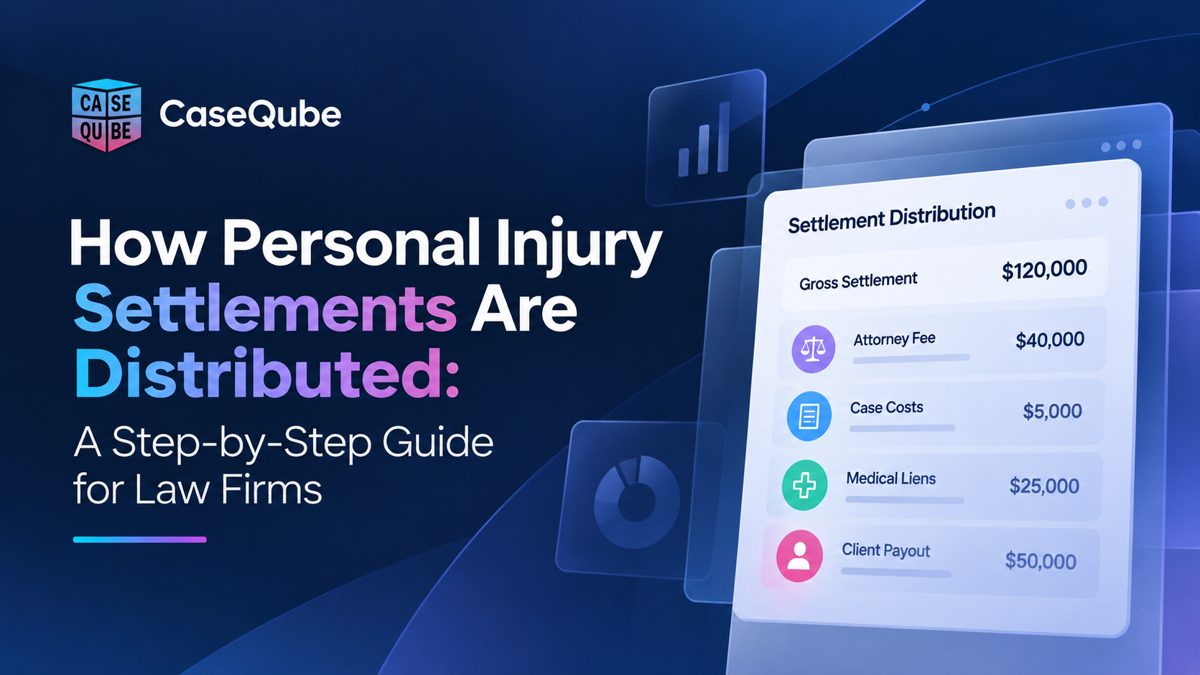
How Personal Injury Settlements Are Distributed: A Step-by-Step Guide for Law Firms
A step-by-step guide to the settlement disbursement process, from the trust deposit and lien payoffs to the settlement statement and final payout, with a worked example.
Ramit KaurOctober 13, 2026 · 7 min read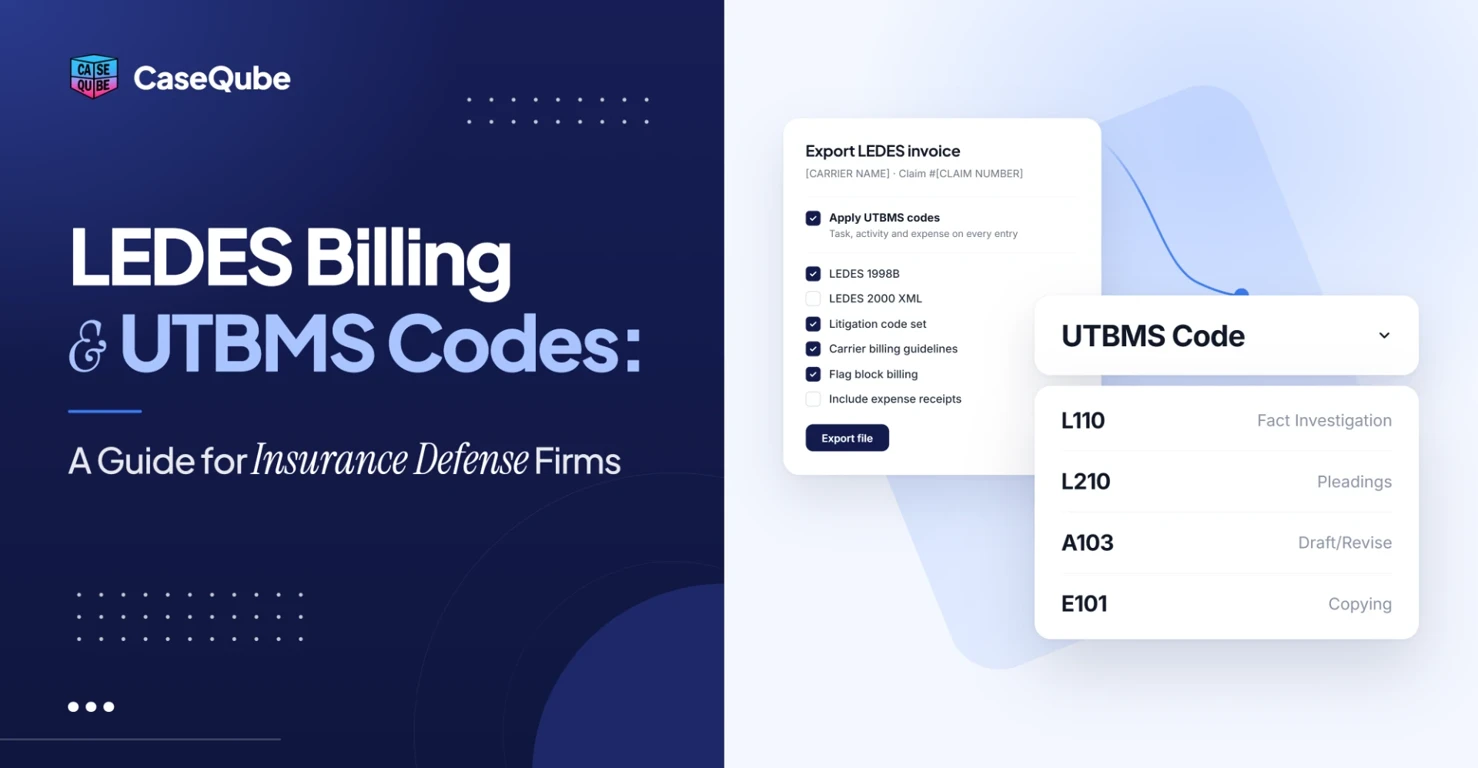
LEDES Billing and UTBMS Codes: A Guide for Insurance Defense Firms
Learn how LEDES billing and UTBMS codes work for insurance defense firms, with code tables, sample time entries and tips to avoid invoice rejections.
Ramit KaurOctober 27, 2026