
Salesforce for Law Firms: What It Can Do and What You Need to Add
On this page
- What Is Salesforce for Law Firms?
- What Can Salesforce Do for a Law Firm?
- What Doesn't Salesforce Do for Law Firms Out of the Box?
- Salesforce Out of the Box vs What a Law Firm Needs
- Can Salesforce Be Used as a Legal Case Management System?
- What Do Law Firms Need to Add to Salesforce?
- Three Ways to Use Salesforce at a Law Firm
- Is Salesforce Secure Enough for Law Firm Data?
- Is Salesforce Good for Small and Mid-Size Law Firms?
- How CaseQube Brings Legal Features to Salesforce
- Frequently Asked Questions About Salesforce for Law Firms
Salesforce is the CRM many businesses already know, and more law firms are asking whether it can run their practice too. The short answer: Salesforce gives you a strong base for client data, intake, reporting and security. On its own, though, it doesn't do the legal parts of the job: conflict checks, matter workflows, legal billing, LEDES invoices and trust accounting.
This guide covers what Salesforce can do for a law firm out of the box, where it falls short, and the three ways firms fill the gaps. You'll also find a side-by-side table you can use when you talk to vendors.
What Is Salesforce for Law Firms?
Salesforce is a cloud-based customer relationship management (CRM) platform. Businesses use it to track contacts, leads, sales pipelines and customer service. It's a general platform, not legal software, so it's built to be configured for different industries.
When people say "Salesforce for law firms," they usually mean one of two things:
- A firm using Salesforce as its CRM for intake, client relationships and business development
- A firm using legal software built on top of Salesforce, which adds matters, billing and other legal features to the platform
Both use the same technology underneath. The difference is how much legal functionality you have to build yourself.
What Can Salesforce Do for a Law Firm?
Out of the box, Salesforce handles the "relationship" side of a law firm well.
Client and Contact Management
Salesforce keeps every client, prospect, referral source and outside contact in one place. You can see the full history of calls, emails and notes for each person. For firms that rely on referrals, this alone is useful.
Lead Tracking and Intake Pipelines
Salesforce was built to track sales leads, and that maps closely to legal intake. You can track where a potential client came from, what stage they're in and who on your team is following up.
Reports and Dashboards
Salesforce's reporting is one of its strengths. You can build dashboards for new leads by source, conversion rates and staff activity without exporting to spreadsheets.
Workflow Automation
Salesforce includes tools for automating routine steps, such as assigning a new lead, sending a follow-up reminder or updating a record when something changes.
Security and Access Controls
Salesforce lets you control who sees what by profile, role and individual field, and it can log changes to records. That matters for law firms, where not every staff member should see every client's details.
Integrations
Salesforce connects to a large number of outside apps through its AppExchange marketplace and its APIs. That flexibility is a big part of why firms consider it.
What Doesn't Salesforce Do for Law Firms Out of the Box?
Salesforce wasn't designed for legal work, so several things law firms rely on every day aren't there by default.
- Conflict checks. Salesforce can store names, but it doesn't run a legal conflict check across clients, adverse parties and related contacts.
- Matter management. It has no built-in "matter" with legal roles, case stages, practice-area task lists and court deadlines.
- Legal billing. It doesn't track billable time, apply hourly, flat fee or contingency billing, or produce pre-bills for attorney review.
- LEDES and UTBMS invoices. Insurance carriers and corporate clients often require LEDES files with UTBMS codes. Salesforce doesn't produce them.
- Trust accounting. It has no trust ledgers, no client trust balances and no three-way reconciliation.
- Legal document generation. It doesn't come with templates for retainers, engagement letters or settlement statements filled from matter data.
- Settlement workflows. There's nothing built in for calculating fees, liens and medical bills on a personal injury settlement.
- Document storage at legal scale. Salesforce includes limited file storage by edition, and extra storage costs more. Firms with large case files need to plan for this.
None of this means Salesforce is a bad fit. It means a law firm needs more than the base platform.
Salesforce Out of the Box vs What a Law Firm Needs
| Law firm need | Salesforce out of the box | What you need to add |
|---|---|---|
| Client and contact records | Yes | Legal roles like opposing party, lien holder and co-counsel |
| Intake pipeline | Yes, as lead tracking | Practice-area intake forms and conversion to a matter |
| Conflict checks | No | Search across clients, adverse parties and contacts |
| Matters and case stages | No | Matter records, stages and task lists by practice area |
| Calendar and deadlines | Basic calendar | Court dates and deadlines tied to each matter |
| Document generation | No | Word templates filled with client and matter data |
| Time tracking and billing | No | Hourly, flat fee and contingency billing with pre-bills |
| LEDES invoices | No | LEDES files with UTBMS codes |
| Trust accounting | No | Trust ledgers and three-way reconciliation |
| Reports and dashboards | Yes | Legal KPIs like realization, matter progress and AR aging |
| Security and audit trails | Yes | Setup that matches your firm's ethics and access rules |
Can Salesforce Be Used as a Legal Case Management System?
Yes, but not on its own. Salesforce can become a legal case management system once matters, legal workflows, billing and trust accounting are added to it. Without those, it's a CRM that tracks clients and leads, not cases.
This is where many firms get stuck. They buy Salesforce for intake and reporting, then find their team still opens a separate system to manage cases, bill time and handle trust money. Data ends up in two or three places, and someone spends hours keeping them in sync.
For a fuller look at what case management software should include, see our guide to legal case management software.
What Do Law Firms Need to Add to Salesforce?
Here's what most firms add, area by area.
Conflict Checks at Intake
A conflict check should run before you take a new client, and it should search more than client names. It needs to cover adverse parties, related contacts and past matters. Our guide on how to run a conflict check at your law firm walks through the full process.
Matter Management and Task Workflows
Firms need a matter record that holds roles, tasks, documents, billing and deadlines in one place. Stage-based workflows help too, so moving a matter to the next stage creates the right tasks for the right people.
Legal Billing and LEDES
Legal billing has its own rules. Firms bill hourly, flat fee or on contingency, often within the same practice. Many still bill mostly by the hour: according to the 2024 ABA Legal Technology Survey Report, as covered by the ABA Journal, 67% of firms still bill hourly. Insurance defense firms also need LEDES invoices with UTBMS codes. Our guide to LEDES billing and UTBMS codes explains how those work.
Trust Accounting
Client money held in trust has strict rules, and those rules vary by state. Firms need trust ledgers by client and matter, records of every trust-to-operating transfer and regular three-way reconciliation. This is one of the biggest gaps in a plain Salesforce setup, and one of the riskiest to get wrong.
Document Generation
Retainers, engagement letters, welcome letters and status letters go out on almost every matter. Firms need templates that fill in client and matter data automatically, so staff aren't retyping the same details.
AI Tools
Salesforce has added AI features to its platform, and many firms are curious. Adoption in law is still growing carefully. In the same 2024 ABA survey, 30% of responding lawyers said they use AI, and three-quarters said concerns about AI hallucinations had made them hesitate. AI is most useful on lower-risk tasks like sorting and filing incoming documents, with a person reviewing the result.
Three Ways to Use Salesforce at a Law Firm
Option 1: Build It Yourself
You buy Salesforce and hire a consultant to build matters, billing and other legal features from scratch.
Pros: Built exactly to your process. Cons: Slow and expensive to build, and you own every fix and update. Trust accounting and LEDES are hard to get right on your own.
Option 2: Use Salesforce Next to Separate Legal Software
You keep Salesforce for intake and business development, and run cases, billing and trust accounting in other systems.
Pros: Each tool does its own job. Cons: Data lives in several places. You'll need integrations, and staff switch between systems all day.
Option 3: Use Legal Software Built on Salesforce
You use a legal platform that already runs on Salesforce, with matters, billing and legal workflows built in.
Pros: You get Salesforce's security, reporting and flexibility with the legal features already included. Cons: You still need to check that the specific features you rely on, such as trust accounting or LEDES, are actually included.
For most small and mid-size firms, Option 3 is the most practical. It skips the custom build without splitting data across systems.
Is Salesforce Secure Enough for Law Firm Data?
Salesforce has strong security features, including detailed access controls by profile, role and field, plus change tracking. But security also depends on how your system is set up. Before you commit, ask any vendor:
- Do you hold a SOC 2 Type II report, and can we review it?
- Is data encrypted in transit and at rest?
- Can we limit access by role and by field?
- Is every change logged in an audit trail?
- Who at your company can access our data?
Your ethical duty to protect client information doesn't change with the software, so these answers matter.
Is Salesforce Good for Small and Mid-Size Law Firms?
It can be, if you don't have to build the legal features yourself. Small and mid-size firms rarely have the budget or in-house staff to run a custom Salesforce project. For them, the better route is usually legal software that already runs on Salesforce, so they get the platform's strengths without the build.
Before you choose, ask these questions:
- Does it handle intake and conflict checks?
- Does it have matters with stages, tasks and deadlines?
- Does it support our billing types, and LEDES if we need it?
- How does it handle trust accounting and three-way reconciliation?
- Is data migration and training included?
- How long does a typical setup take?
How CaseQube Brings Legal Features to Salesforce
CaseQube is legal case management software built on Salesforce. Your firm gets the platform's permissions, workflow tools, reporting and audit trails, with legal features already built in:
- Smart intake with conflict checks. One intake pipeline for phone, web forms, email, text, walk-ins and an AI website chatbot. Conflict checks run automatically during intake, with scored, color-coded results. Converting an intake to a matter takes one click.
- Matter management. A single view of roles, tasks, documents, billing, settlements and activity. Stage-based workflows and practice-area task templates assign work automatically, and court dates and deadlines go on the matter calendar with reminders.
- Document generation. Word templates fill themselves with client and matter data and generate as Word or PDF.
- Legal billing. Hourly, flat fee, contingency and recurring billing, with pre-bill review before invoices go out. CaseQube produces LEDES 1998B and LEDES XML 2.0 invoices with UTBMS codes.
- Trust accounting. CaseQube connects to LawAccounting for trust ledgers, three-way reconciliation and trust-to-operating transfers.
- Personal injury settlements. Fees, medical bills, liens and expenses are calculated, and the client settlement statement is generated as a PDF.
- Security. SOC 2 Type II certified, with access set by profile, role and field, and every change logged.
Migration and training are included.
Want to see how it works for your practice? Schedule a CaseQube demo.
Frequently Asked Questions About Salesforce for Law Firms
Is Salesforce used by law firms?
Yes. Law firms use Salesforce as a CRM for intake, client relationships and business development. Many also use legal software built on Salesforce to manage cases, billing and trust accounting on the same platform.
Can Salesforce be used as case management software for law firms?
Not on its own. Salesforce becomes case management software once matters, legal workflows, billing and trust accounting are added, either through a custom build or through legal software built on Salesforce.
What can't Salesforce do for a law firm out of the box?
Out of the box, Salesforce doesn't run conflict checks, manage matters, track billable time, produce LEDES invoices, handle trust accounting or generate legal documents from templates. These need to be built or added.
Does Salesforce handle trust accounting for law firms?
No. Base Salesforce has no trust ledgers or three-way reconciliation. Firms add trust accounting through legal accounting software that connects to Salesforce or runs alongside it.
Can Salesforce run conflict checks?
Not as a legal conflict check by default. Salesforce can store and search contacts, but a proper conflict check needs to search clients, adverse parties, related contacts and past matters, then flag possible matches for review.
Can Salesforce generate legal documents from templates?
Not by default. Firms add document generation so templates like retainers and engagement letters fill in with client and matter data automatically.
Is Salesforce secure enough for client data?
Salesforce offers strong access controls and change tracking, but how secure your data is also depends on setup. Ask your vendor for a SOC 2 Type II report and confirm encryption, role-based access and audit logging.
How much does it cost to set up Salesforce for a law firm?
It depends on your approach. A custom build means license costs plus consultant fees, which can be large. Legal software already built on Salesforce usually costs less to set up, because the legal features don't have to be built from scratch.
How long does it take to set up Salesforce for a law firm?
A custom build can take months, depending on how much you need to create. Legal software built on Salesforce is usually faster, because setup focuses on configuring your workflows and moving your data over.
Should a law firm build on Salesforce or use legal software built on Salesforce?
Most small and mid-size firms are better off with legal software built on Salesforce. You get the platform's security and reporting without paying to build and maintain conflict checks, billing and trust accounting yourself.
Ready to simplify your case management?
See how CaseQube keeps every matter, document, and deadline in one place.
Book a DemoRelated posts
Legal Case Management Software: Features, Costs and How to Choose (2026)
What legal case management software does, what it costs in 2026, the hidden fees to ask about, and a step-by-step way to choose the right system for your firm.
 Ramit KaurNovember 3, 2026 · 13 min read
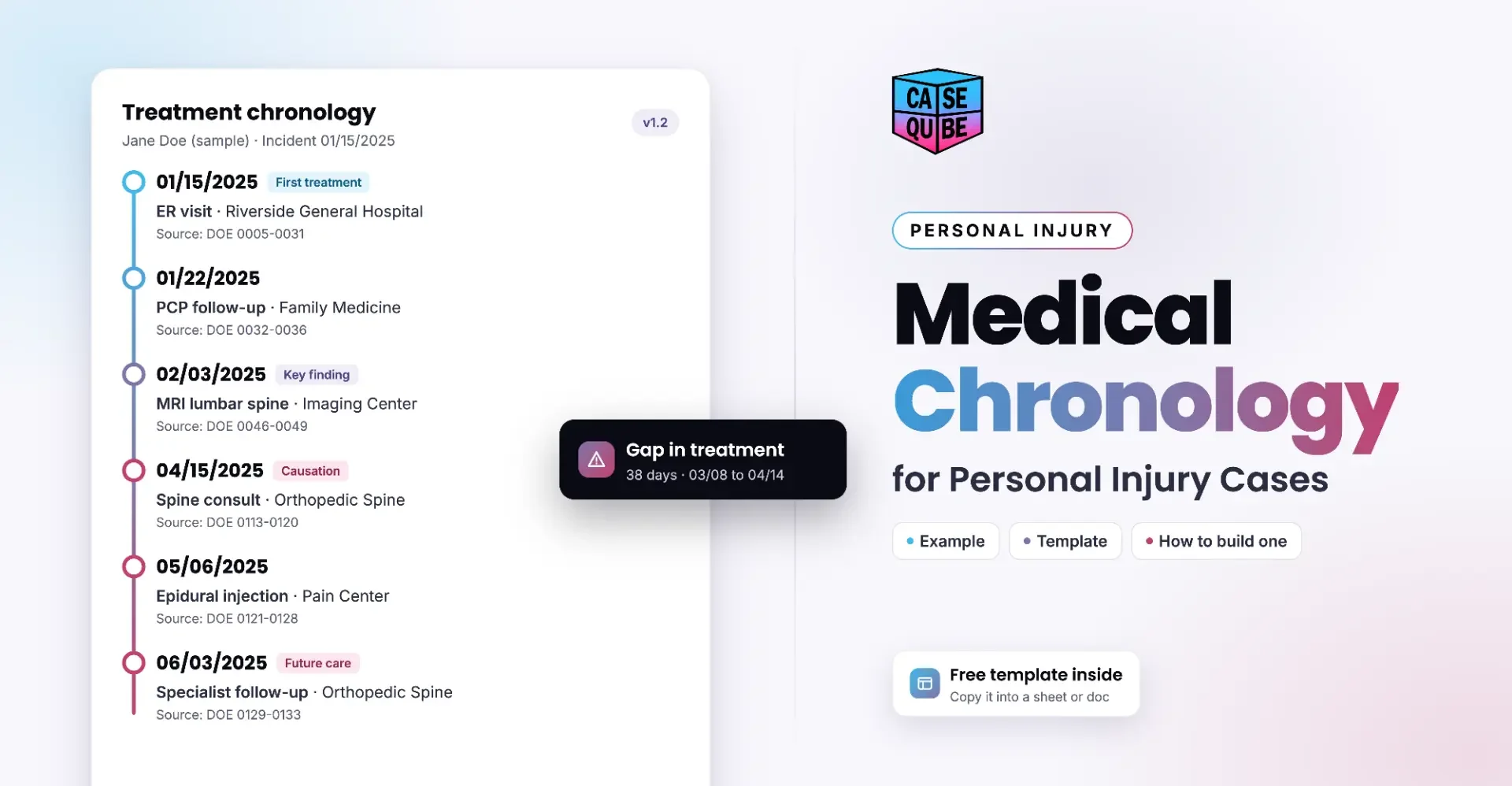
Medical Chronology for Personal Injury Cases: Example, Template and How to Build One
Learn how to build a medical chronology for a personal injury case, with a free template, a filled-in example, and tips for handling gaps and prior injuries.
Ramit KaurNovember 3, 2026 · 16 min read
Best Mass Tort Case Management Software for 2026
Learn what mass tort case management software should do in 2026, including claimant intake, MDL deadlines, records, client updates and settlement allocation.
Ramit KaurOctober 27, 2026