
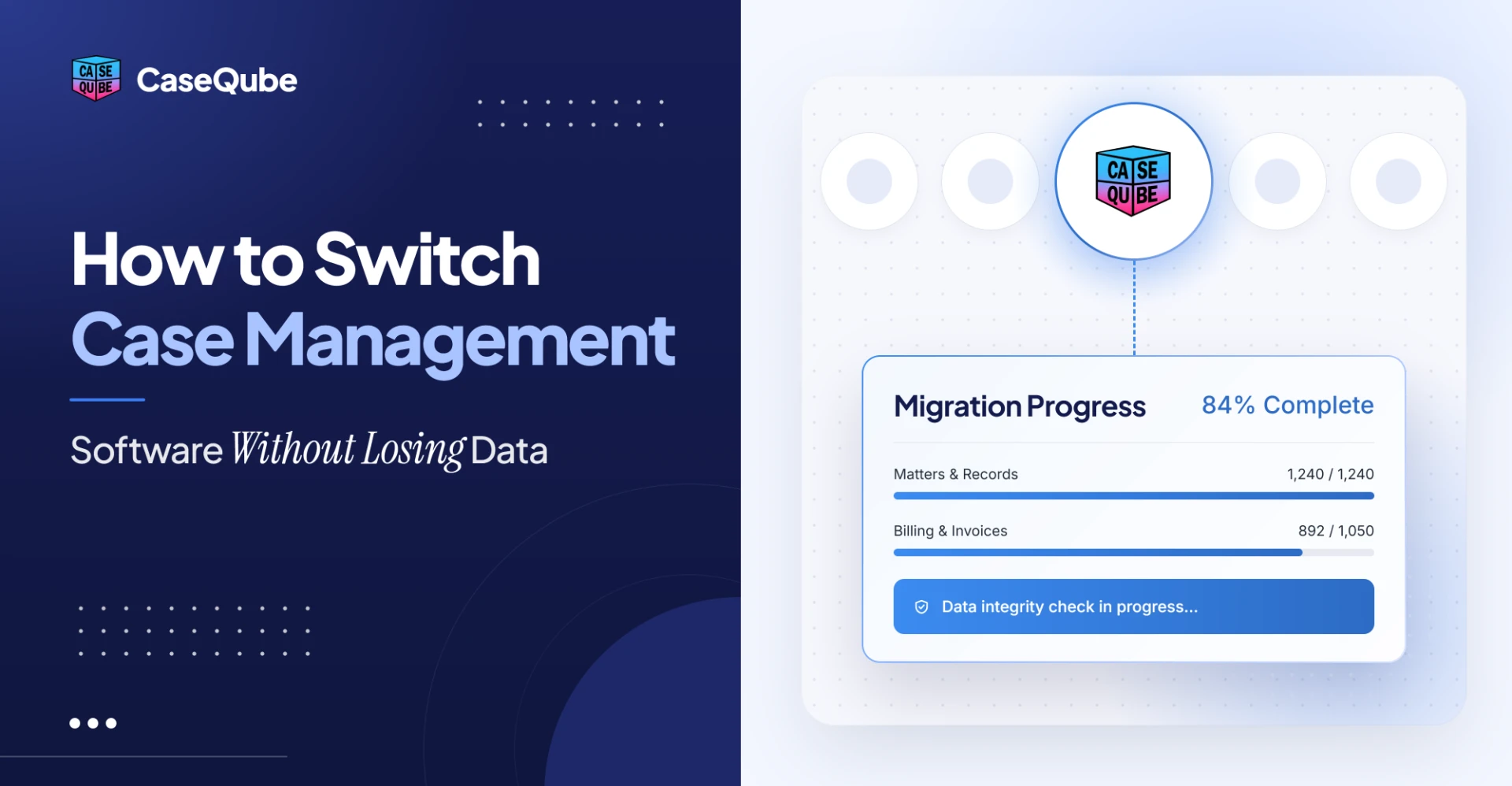
How to Switch Case Management Software Without Losing Data
A step-by-step guide to switching case management software: what data to move, how to clean and test it, a migration checklist and a sample timeline.
On this page
- Signs It's Time to Switch Case Management Software
- When Is the Best Time to Switch Legal Software?
- What Data Should a Law Firm Migrate?
- How to Switch Case Management Software: 9 Steps
- Data Migration Checklist for Law Firms (Filled-In Example)
- How Long Does It Take to Switch Case Management Software?
- How to Avoid Losing Data When You Switch
- Switching to CaseQube
- Frequently Asked Questions
- Plan Your Switch Before the New Year
Most firms don't stay with case management software they've outgrown because they like it. They stay because moving years of matters, contacts, documents and deadlines feels risky. The ABA's 2022 TechReport found that firms with two to nine attorneys were actually less likely to use case management software in 2022 (49%) than in 2019 (61%), and the authors pointed to worries about data security and migrating data as part of the reason.
The risk is real, but it's manageable with the right order of steps. This guide covers when to switch, what data to move, a nine-step process, a filled-in migration checklist, and a sample timeline.
Signs It's Time to Switch Case Management Software
You don't need to switch just because something newer exists. These are the signs that usually mean it's time:
- Staff keep information in spreadsheets or email because the system can't hold it.
- The same client details get typed into intake, the case file and billing separately.
- You can't get a clear report on open matters, deadlines or workload without exporting data.
- The software runs on a local server, or the vendor has stopped meaningful updates.
- Adding a new practice area means building workarounds.
If the problem could be fixed with an add-on or a settings change, try that first. A switch is worth it when the system itself is the bottleneck.
When Is the Best Time to Switch Legal Software?
For many firms, year-end is the natural time to plan a switch. Software contracts often renew in January, budgets for the new year are being set, and a new system can go live at the start of a quarter. The ABA's 2024 survey found that 65% of firms budgeted for technology that year, with average annual spend of $13,991, so the decision usually needs to fit the budget cycle.
Whatever month you choose, avoid your busiest season. Plan go-live for a quieter period, and never schedule it right before a major filing deadline or trial.
What Data Should a Law Firm Migrate?
Start by listing every kind of data your current system holds. Most firms find more than they expected.
| Data type | What it includes | What to watch for |
|---|---|---|
| Contacts | Clients, opposing parties, counsel, experts, vendors | Duplicates and outdated addresses |
| Matters | Matter names, numbers, types, stages, responsible attorney | Custom fields that don't exist in the new system |
| Calendar and deadlines | Court dates, statutes of limitations, internal deadlines | Recurring events and time zones |
| Tasks | Open tasks and who they're assigned to | Tasks assigned to former staff |
| Documents | Pleadings, correspondence, records, scans | Folder structure and file names |
| Notes and communications | Case notes, call logs, saved emails | Dates and authors carrying over |
| Intake records | Leads and intake answers | Leads that never became matters |
| Conflict data | Party names and relationships | Former clients must stay searchable |
| Time and billing | Time entries, invoices, balances | Must match your accounting records |
Billing and trust data need extra care because they have to tie out to your books. If your accounting is moving too, see this guide to cutting over to new legal accounting software mid-year.
How to Switch Case Management Software: 9 Steps
Step 1: Check your current contract and exit terms
Before you sign with anyone new, read your current contract. Look for the renewal date, notice period, any early termination fee, and what the vendor says about exporting your data. Your firm's data belongs to your firm, so ask the current vendor in writing what format the export comes in and whether there's a fee.
Step 2: Choose the new system and confirm how migration works
Ask every vendor you're considering exactly what they will move, what they won't, who does the work, and how long it usually takes for a firm your size. Our guide to legal case management software covers the features and questions to compare. Mid-size firms with several practice areas may also want to read about what law practice management software needs to do for a larger team.
Step 3: Decide what to move
Not everything has to come across. Many firms move all active matters in full, then decide case by case for closed ones. Some move closed matters with key fields and documents only, and keep a read-only archive of the old data. Whatever you choose, make sure former clients and parties stay searchable for conflict checks.
Step 4: Clean your data before export
Moving messy data just gives you messy data in a new system. Before export:
- Merge duplicate contacts.
- Close matters that are actually finished.
- Fix data in the wrong fields, such as phone numbers in an email field.
- Reassign tasks owned by people who have left.
- Delete test records and blank entries.
Clean-up is the step firms most often rush, and it's the one that decides how the new system looks on day one.
Step 5: Back up everything
Take a full backup of the old system before any data moves, and store it somewhere separate. Keep it for as long as your retention policy requires, even after the switch is finished.
Step 6: Map fields to the new system
Field mapping means deciding where each piece of old data goes in the new system. Standard fields like client name are easy. Custom fields, such as "date of incident" or "insurance carrier," need a clear decision: map them to an existing field, create a new one, or move them into notes. Write the mapping down and have someone who knows the work sign off on it.
Step 7: Run a test migration
Move a sample first, or a full copy into a test area, and check it before the real move. Compare record counts, open a sample of matters, and confirm documents and deadlines landed in the right place. Fix the mapping and run it again until the results match. The filled-in checklist below shows what to check.
Step 8: Go live and run both systems in parallel
Pick a cutover date and tell everyone. After the final migration, keep the old system available in read-only mode for a few weeks so staff can look things up if something seems off. All new work should happen in the new system only, so you don't end up with two versions of the truth.
Step 9: Train your team and retire the old system
Train a small group of team leads first, then have them help everyone else. Give people time to practice on real matters. Once the parallel period ends and the checks are signed off, set a firm date to shut off the old system and keep the backup.
Data Migration Checklist for Law Firms (Filled-In Example)
Here's how the test migration check might look for a fictional 28-attorney firm, Morales & Pratt LLP, moving about 3,400 active matters and their full history.
| Check | What was compared | Result | Action |
|---|---|---|---|
| Active matter count | Old vs. new system | 3,412 vs. 3,412 | None |
| Contact count | Old vs. new system | 18,950 vs. 18,902 | 48 missing were contacts with no matter. Kept in archive and documented. |
| Sample matters | 20 matters opened side by side, 10 fields each | 18 matched fully | 2 had "date of incident" in the wrong field. Mapping fixed, re-run. |
| Documents | All files on the 20 sample matters | All present | Folder structure flattened on 2 matters. Mapping fixed. |
| Upcoming deadlines | Next 90 days of court dates and deadlines | 412 vs. 412 | None |
| Open tasks | Tasks by assignee | 27 assigned to former staff | Reassigned before final migration. |
| Notes | Dates and authors on 50 notes | Dates correct, authors missing on 6 | Author field added to mapping. |
| Conflict search | 15 former client names searched | All found | None |
| Open balances | Total unbilled time and A/R | Matched accounting records | Signed off by billing lead. |
The firm ran the test twice before the numbers matched. Each problem was cheap to fix in testing and would have been expensive to find after go-live.
How Long Does It Take to Switch Case Management Software?
There's no single answer. It depends on how much data you have, how clean it is, how many custom fields you use, and how many people need training. A small firm with tidy data will move faster than a mid-size firm with years of custom fields.
Here's a sample plan for the fictional firm above. Use it as a planning outline, not a promise.
| Phase | What happens | Sample length |
|---|---|---|
| Planning | Contract review, vendor choice, scope decisions | 2 weeks |
| Data clean-up | Duplicates, closed matters, field fixes | 2 weeks |
| Mapping and test migration | Map fields, test, fix, re-test | 2 to 3 weeks |
| Training | Team leads first, then all staff | 1 to 2 weeks |
| Go-live and parallel period | Final migration, old system read-only | 2 to 4 weeks |
Ask your new vendor for a timeline based on your actual data. If a vendor quotes a date before seeing your data, ask how they got it.
How to Avoid Losing Data When You Switch
Most data loss during a switch comes from a handful of mistakes:
- No backup before the move. If something fails, there's nothing to go back to.
- Skipping the test migration. Errors only show up after staff start working.
- Unmapped custom fields. Data that has no destination simply doesn't come across.
- Shutting off the old system too early. Without a parallel period, nobody can check a doubtful record.
- Leaving closed matters out of conflict data. A former client who isn't searchable can cause a conflict you never see coming.
Each one is avoidable with the steps above.
Switching to CaseQube
Firms moving to CaseQube don't handle the migration alone. Migration support and training are included. The CaseQube implementation team moves your data from your current system and trains your staff before go-live, and gives you a timeline after your demo based on how much data you're moving and how many workflows you need.
Once you're live, intake, conflict checks, matters, tasks, documents, time and billing sit on the same records, so client details are entered once at intake and carried through. CaseQube is built on Salesforce, with access set at the profile, role and field level, and every action is logged.
Frequently Asked Questions
How long does it take to switch case management software?
It depends on how much data you have, how clean it is and how many custom fields you use. Ask the new vendor for a timeline based on your actual data, and plan time for clean-up, a test migration, training and a parallel period.
What data can be moved to new case management software?
Most firms move contacts, matters, deadlines, tasks, documents, notes, intake records, conflict data, and time and billing records. Confirm with the new vendor exactly what they can move and in what format.
Who owns the data in our current case management system?
Your firm owns its data. Check your current contract for export terms and any fees, and ask the vendor in writing what format your export will come in.
Should we migrate closed matters or only active ones?
Many firms move all active matters in full and move closed matters with key fields and documents, keeping a read-only archive of the rest. Either way, former clients and parties must stay searchable for conflict checks.
What is a test migration?
A test migration moves a sample or a full copy of your data into a test area before the real move. You compare record counts, check sample matters, and fix problems before go-live.
Can we run the old and new systems at the same time?
Yes, and it's a good idea. Keep the old system in read-only mode for a few weeks after go-live so staff can check records, but do all new work in the new system only.
When is the best time of year to switch legal software?
Many firms plan a switch at year-end, when contracts renew and budgets are set, with go-live early in the new year. Whatever the timing, avoid your busiest season and major deadlines.
How do we get staff to use the new system?
Explain why you're switching, train team leads first, and give everyone time to practice on real matters. Set a firm date to retire the old system so people don't fall back to it.
What happens to our documents and emails during a migration?
Documents and saved emails are moved along with the matters they belong to. Check folder structure and file names during the test migration, since that's where problems usually show up.
Is data migration included when switching to CaseQube?
Yes. Migration support and training are included. CaseQube's implementation team moves your data from your current system, trains your staff before go-live, and gives you a timeline after your demo.
Plan Your Switch Before the New Year
Switching case management software is a project, not a leap of faith. With clean data, a written field map, a test migration and a parallel period, you can move without losing anything that matters. If your firm is planning a switch for 2027, schedule a demo to see how CaseQube would handle your data and how long your move would take.
Related posts

File Closing Checklist for Law Firms (With a Disengagement Letter Template)
A step-by-step file closing checklist for law firms, plus a free disengagement letter template and filled-in sample. Close files cleanly before year-end.
 Ramit KaurNovember 17, 2026 · 9 min read
Salesforce for Law Firms: What It Can Do and What You Need to Add
Ramit KaurNovember 10, 2026 · 9 min read
Legal Case Management Software: Features, Costs and How to Choose (2026)
What legal case management software does, what it costs in 2026, the hidden fees to ask about, and a step-by-step way to choose the right system for your firm.
Ramit KaurNovember 3, 2026 · 13 min read